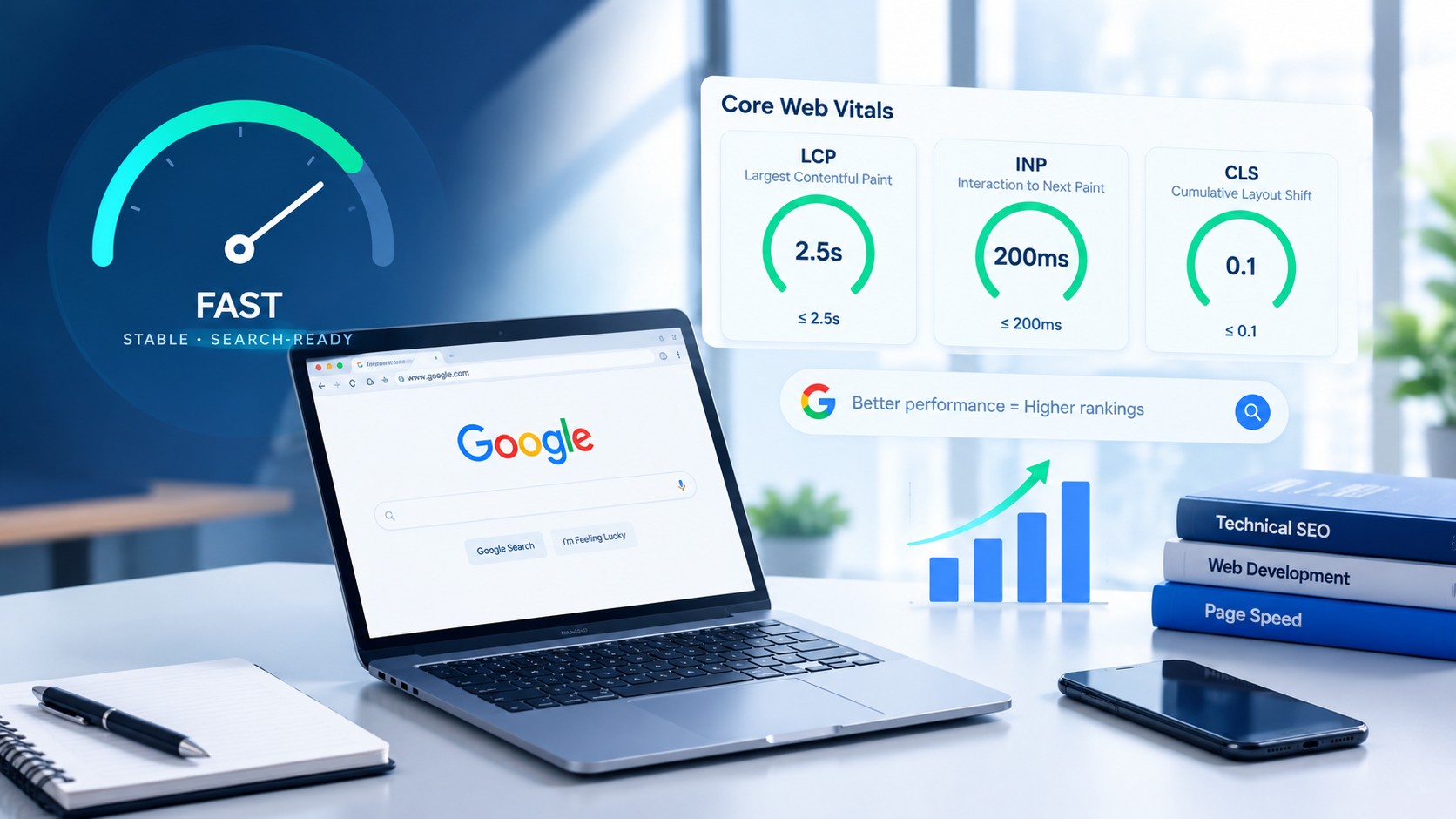
Website Performance Optimization: Core Web Vitals and SEO
Understand Core Web Vitals (LCP, INP, CLS), how website performance affects SEO and conversions, and the technical steps to speed up your site.
Imagine walking into a store where the front door takes ten seconds to open, products shift on the shelf just as you reach for them, and the billing counter freezes when you try to pay. Most people would walk out and visit the shop across the street.
Websites face the same situation every day. If a page loads slowly, jumps around or reacts late to a tap, visitors leave, and search engines notice the poor experience. Website performance is no longer just a technical detail. It affects user experience, search visibility and the number of enquiries your website brings in.
In this article, the A3 Fusion Tech team explains the key performance metrics, what slows websites down, how to measure performance, and the technical optimizations that make a real difference.
Why Website Performance Matters
- User experience: Many visitors browse on mobile networks. When a page takes too long to respond, a large share of them leave and choose another result.
- Search visibility: Page experience is one of the signals Google considers, along with content quality and relevance. Google also primarily uses the mobile version of your site for indexing (mobile-first indexing), so mobile performance matters.
- Conversions: Every delay between a click and a result adds friction. Faster pages help keep users engaged long enough to call, fill a form or complete a purchase.
- Brand credibility: A fast, stable and secure website signals a reliable business. Slow or jumpy pages create doubt.
Understanding Core Web Vitals
Core Web Vitals are Google’s standard metrics for measuring real-world page experience.
MetricWhat it measuresIn simple wordsGood targetLCP (Largest Contentful Paint)Loading speedHow fast your main banner, heading or product image appears2.5 seconds or lessINP (Interaction to Next Paint)ResponsivenessHow quickly the page reacts when someone taps a button or opens a menu200 ms or lessCLS (Cumulative Layout Shift)Visual stabilityWhether the page jumps around while loading0.1 or less Have you ever tried to tap a button on your phone, and the page shifted just before your finger touched it? That is a layout shift, and it is one of the most frustrating experiences for visitors.
A key supporting metric is TTFB (Time to First Byte), which measures how quickly your server starts responding. A slow TTFB makes it very difficult to achieve a good LCP, no matter how well the front end is built.
Common Causes of Poor Performance
- Oversized, uncompressed images and videos
- Slow or overloaded hosting with high server response time
- Render-blocking CSS and JavaScript that delay the first screen
- Too many plugins, third-party scripts and tracking tags
- Missing image dimensions, which cause layout shifts
- No caching and no content delivery network (CDN)
- Heavy, unoptimized themes and page builders
How to Measure Website Performance
- Google PageSpeed Insights: Enter your URL and review both Mobile and Desktop reports, along with Google’s recommendations.
- Google Search Console: The Core Web Vitals report shows how real visitors experience your pages over time.
- Chrome DevTools: Helps developers trace slow scripts, layout shifts and loading bottlenecks.
- Field data vs lab data: Lab tests show controlled results, while field data from real users shows what customers truly experience. Always check both.
Key Optimization Techniques
Improving LCP
- Compress images and use modern formats such as WebP or AVIF
- Prioritize loading of the main above-the-fold image
- Reduce render-blocking CSS and JavaScript
- Improve server response time with better hosting and caching
Improving INP
- Reduce heavy JavaScript running on the main thread
- Break long scripts into smaller tasks
- Delay non-essential third-party scripts such as extra tracking and widgets
Improving CLS
- Set fixed width and height for images, videos and embeds
- Reserve space for banners, ads and widgets that load late
- Use stable web fonts to avoid text jumping
Infrastructure and Delivery
- Use a CDN so content loads from locations close to the visitor
- Enable HTTP/2 or HTTP/3 and Brotli or Gzip compression
- Apply browser caching for static files
- Minify CSS and JavaScript, and lazy-load images below the fold
Performance Works Best with Technical SEO
Speed is one part of a healthy website. It works best alongside the other technical SEO basics:
- HTTPS: A trust signal for visitors and a lightweight Google ranking factor
- Mobile-friendly design: Essential for mobile-first indexing
- Clean XML sitemap: Helps search engines discover your pages
- Correct canonical tags: Prevent duplicate content issues
- Properly configured robots.txt: Allows Google to crawl and render your pages
Frequently Asked Questions (FAQs)
Q1: What is a good website loading time?
Aim for the main content to appear within about 2.5 seconds, especially on mobile devices.
Q2: Does website speed affect Google rankings?
Page experience is one of the signals Google considers, though content quality and relevance remain very important.
Q3: What is the difference between PageSpeed score and Core Web Vitals?
The PageSpeed score is a lab-based overall test, while Core Web Vitals measure real user experience metrics.
Q4: How often should performance be audited?
After every major website update, and at least once every few months.
Conclusion
Website performance optimization is an ongoing cycle of measuring, improving and monitoring. A fast, stable and well-structured website gives visitors a better experience and gives your business a stronger chance of being found and chosen.
At A3 Fusion Tech, we design and develop high-performance, SEO-friendly websites and web applications. Explore our Web Development and Digital Marketing services today.
Want a detailed website performance and Core Web Vitals audit? Contact A3 Fusion Tech today!